Building Failover Configurations for Audio Devices in OBS to Ensure Uninterrupted Sound Delivery During Twitch Events
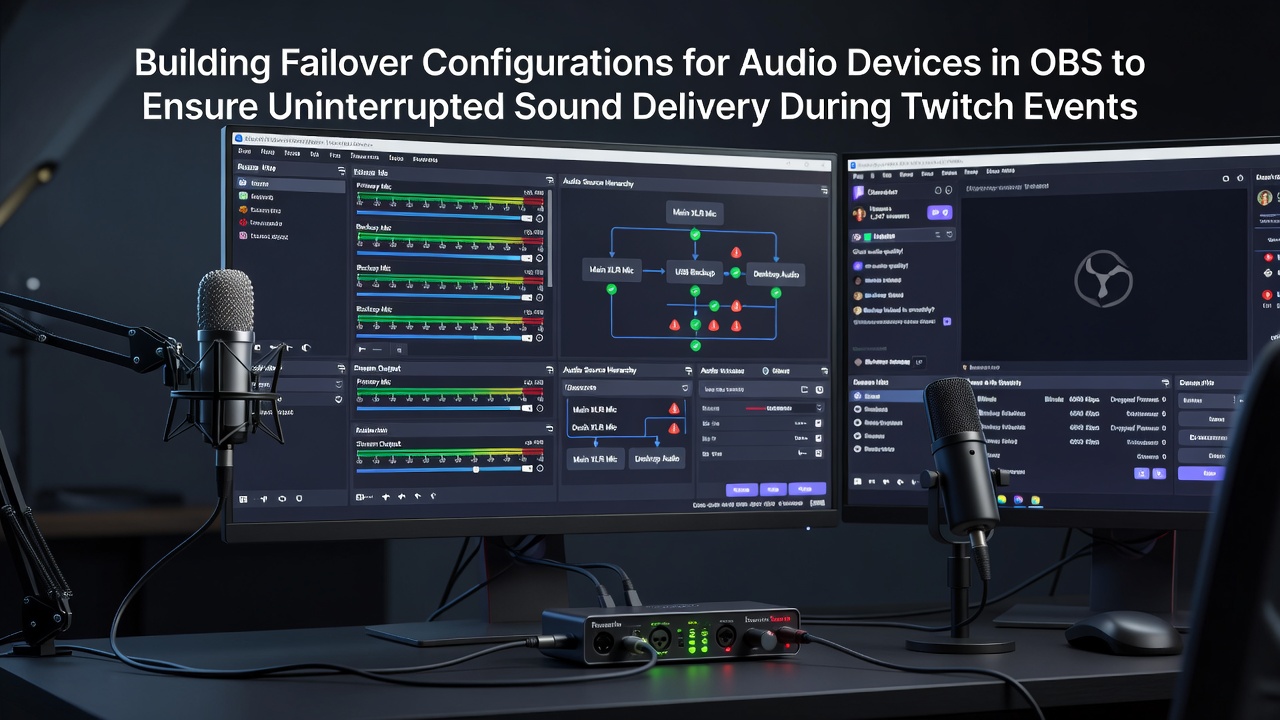
Audio interruptions during live broadcasts create significant challenges for content creators who rely on consistent sound delivery across extended Twitch sessions. Building failover configurations in OBS Studio involves setting up redundant audio pathways that activate automatically when primary devices encounter issues such as disconnections or hardware failures. Observers note that this approach maintains continuous output by routing signals through backup sources without manual intervention during active streams.
Those who manage broadcast setups often begin by identifying primary audio inputs like USB microphones or capture cards while designating secondary options such as virtual audio cables or additional hardware units. Data from industry reports shows that device dropouts occur frequently in environments with multiple connected peripherals, which makes preconfigured switching essential for events spanning several hours. In September 2026, OBS Studio updates expanded native support for audio monitoring plugins that streamline these redundant pathways and reduce latency during transitions.
Core Components of Audio Failover Systems
Effective configurations start with virtual audio routing software that creates intermediary channels between physical devices and OBS. Applications like VB-Audio VoiceMeeter or similar tools allow multiple inputs to feed into a single virtual output that OBS then captures as one source. Experts have observed that this layering permits quick reassignment when one physical device stops transmitting because the virtual layer remains active and stable throughout the switch.
Researchers discovered that combining hardware audio interfaces with software-based monitoring provides greater resilience than single-device setups alone. A primary microphone might connect through an interface while a backup condenser mic routes via a separate USB port or even a smartphone app that emulates an audio input. Those configurations become particularly relevant during collaborative streams where multiple participants contribute voice tracks simultaneously and any single failure risks halting the entire broadcast.
Implementation Steps in OBS Studio
Users configure failover by adding duplicate audio sources in the OBS mixer and assigning them to separate tracks for independent control. Advanced setups employ Lua scripts or third-party plugins that monitor signal levels and trigger scene switches or source activations when volume drops below defined thresholds. Evidence suggests these automated responses keep audio flowing because manual adjustments become impractical during high-viewer events with fast-paced gameplay.
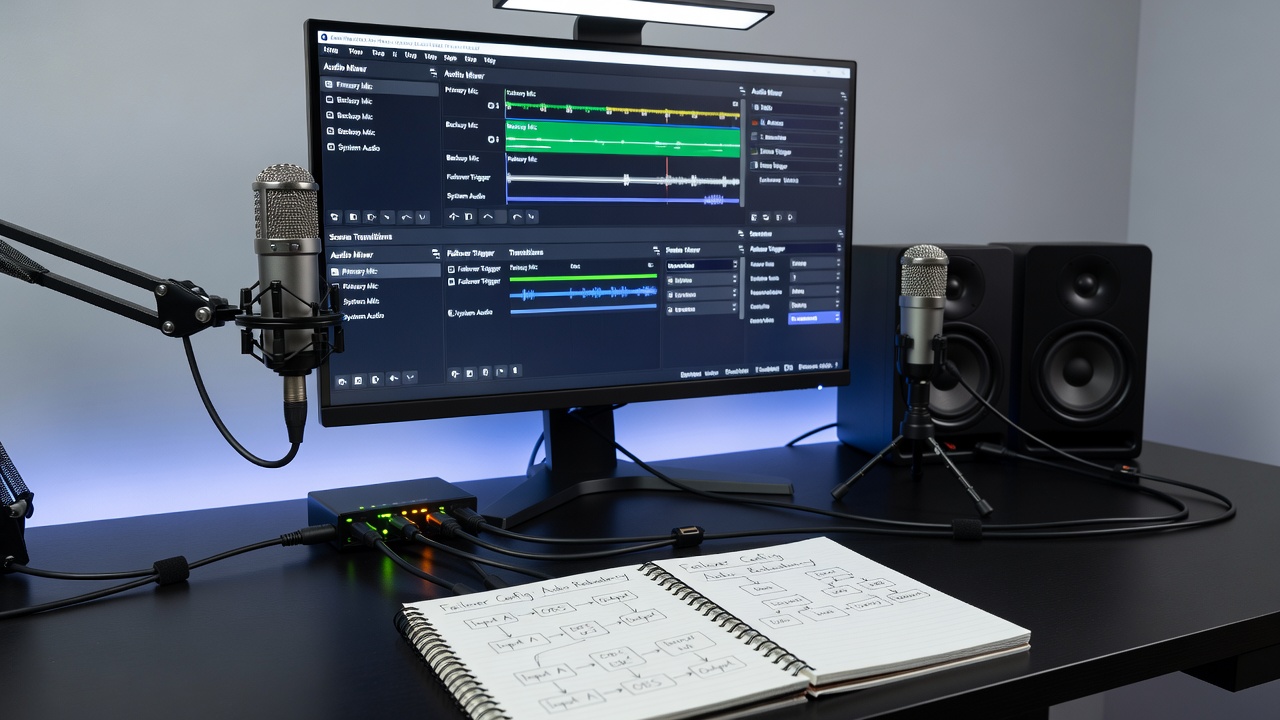
One study revealed that testing failover paths before events reveals potential conflicts in sample rates or bit depths that could otherwise cause glitches. Observers note the value of matching audio specifications across all devices in the chain while using Windows or macOS sound settings to designate default outputs that align with virtual cable configurations. People who've implemented these systems often discover that separate monitoring tracks within OBS allow verification of each pathway without interrupting the main stream output.
Integration with Twitch Event Requirements
Twitch broadcasts that incorporate real-time alerts, music overlays, and guest commentary demand audio streams that remain uninterrupted regardless of individual device status. Failover setups address this by prioritizing sources through OBS's advanced audio properties panel where users set fallback priorities and volume automation. According to reports from the OBS Project documentation, recent versions include enhanced track management that supports up to six simultaneous audio channels suitable for complex redundancy schemes.
Those coordinating large-scale events coordinate these audio layers with network monitoring tools that flag bandwidth fluctuations which might indirectly affect USB device stability. Data indicates that combining audio failover with scene-based source swapping creates a multi-layered safety net because visual elements can continue even if sound requires brief rerouting behind the scenes.
Maintenance and Validation Practices
Regular validation of failover systems involves simulating device failures during practice sessions to confirm that transitions occur within acceptable timeframes. Industry organizations such as the European Broadcasting Union have published guidelines on broadcast continuity that apply similar principles to live streaming environments where audience expectations mirror traditional media standards. Maintenance routines include firmware updates for audio interfaces alongside periodic checks of cable integrity and virtual driver versions.
People managing Twitch channels track performance metrics over multiple sessions to identify patterns in audio reliability that inform future configuration adjustments. This data-driven approach ensures that failover mechanisms evolve alongside changes in hardware or software environments without requiring complete system overhauls.
Conclusion
Failover configurations for audio devices in OBS provide structured redundancy that supports uninterrupted sound during Twitch events by combining virtual routing, automated monitoring, and prioritized source management. These systems rely on careful setup and ongoing validation to function effectively across varied broadcast conditions. As streaming platforms continue to expand their technical requirements, such configurations remain a practical component of professional-grade audio delivery.